
- 3
- Steps to Set Up
- 0
- App Downloads
- Masa Başına
- QR Code
Overview
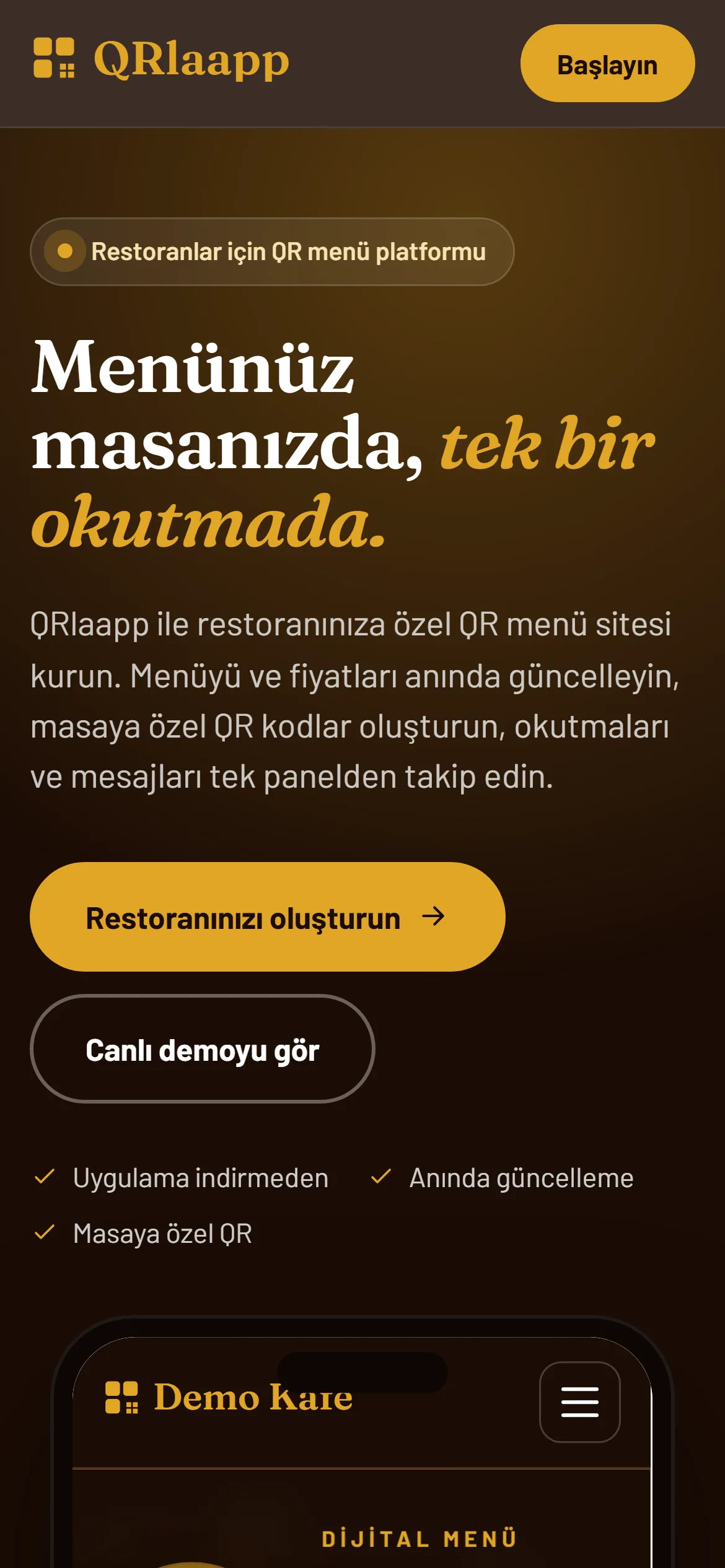
Printed menus have three standing problems: reprinting whenever a price changes, apologising at the table for sold-out dishes, and never knowing which table draws the most interest. QRlaapp brings all three into one panel.
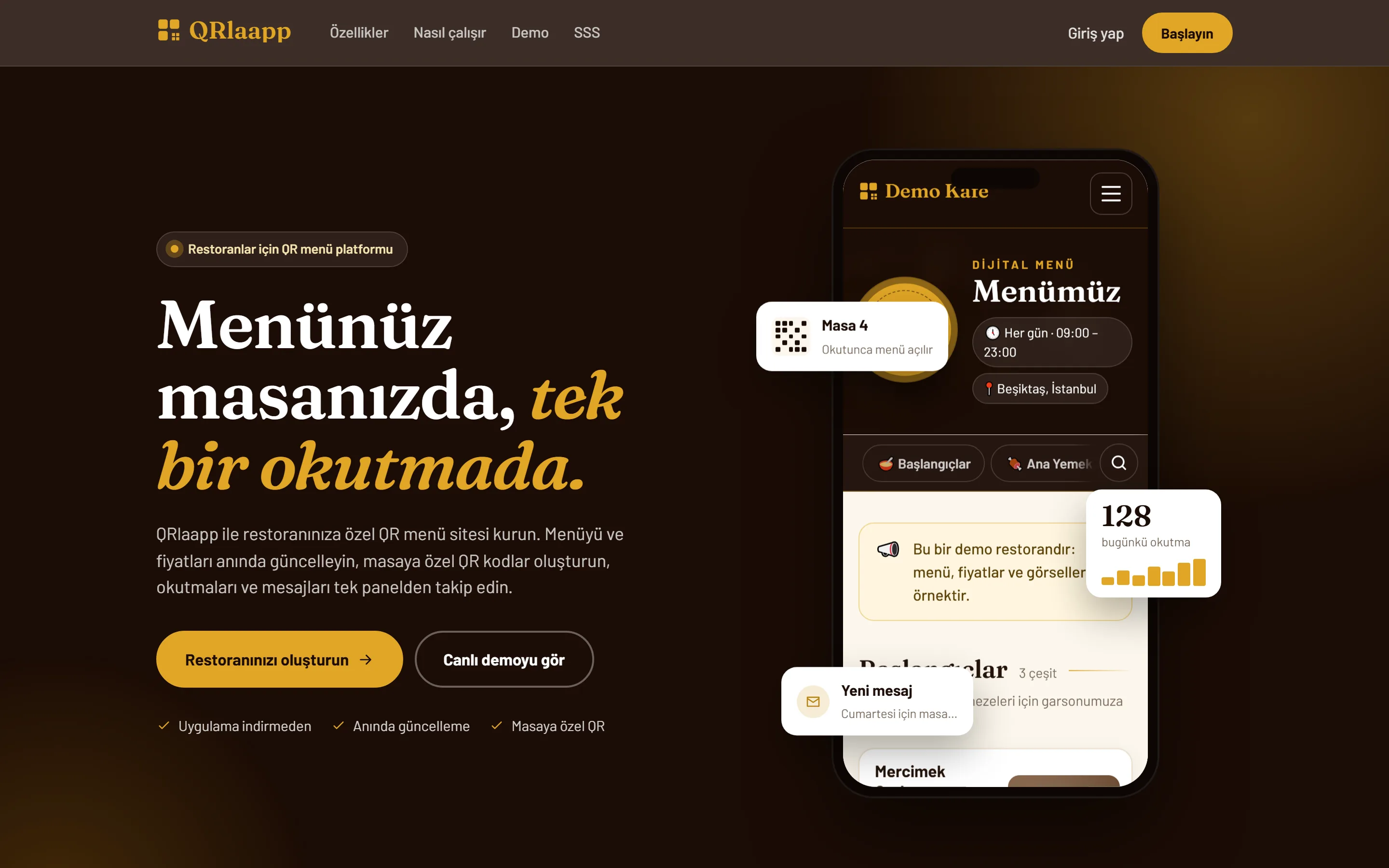
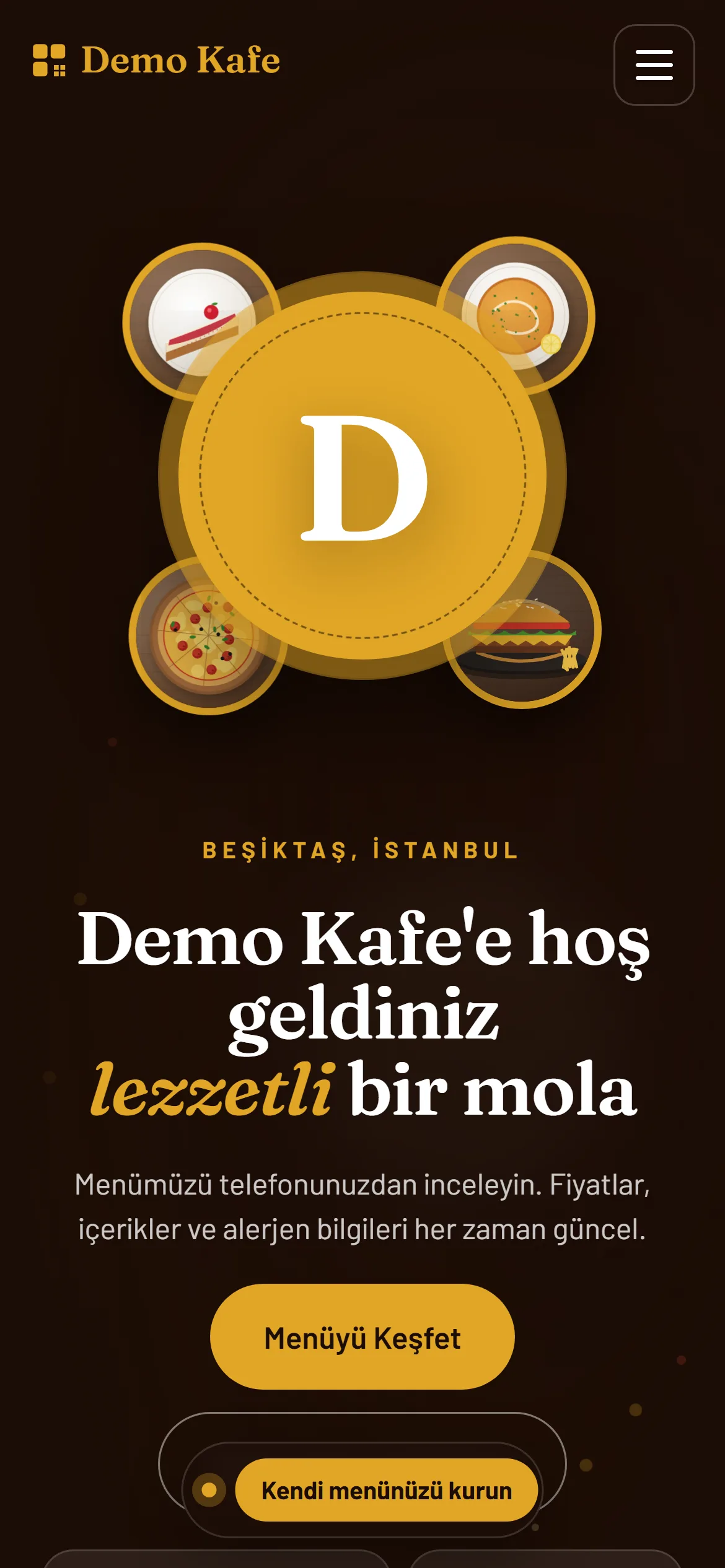
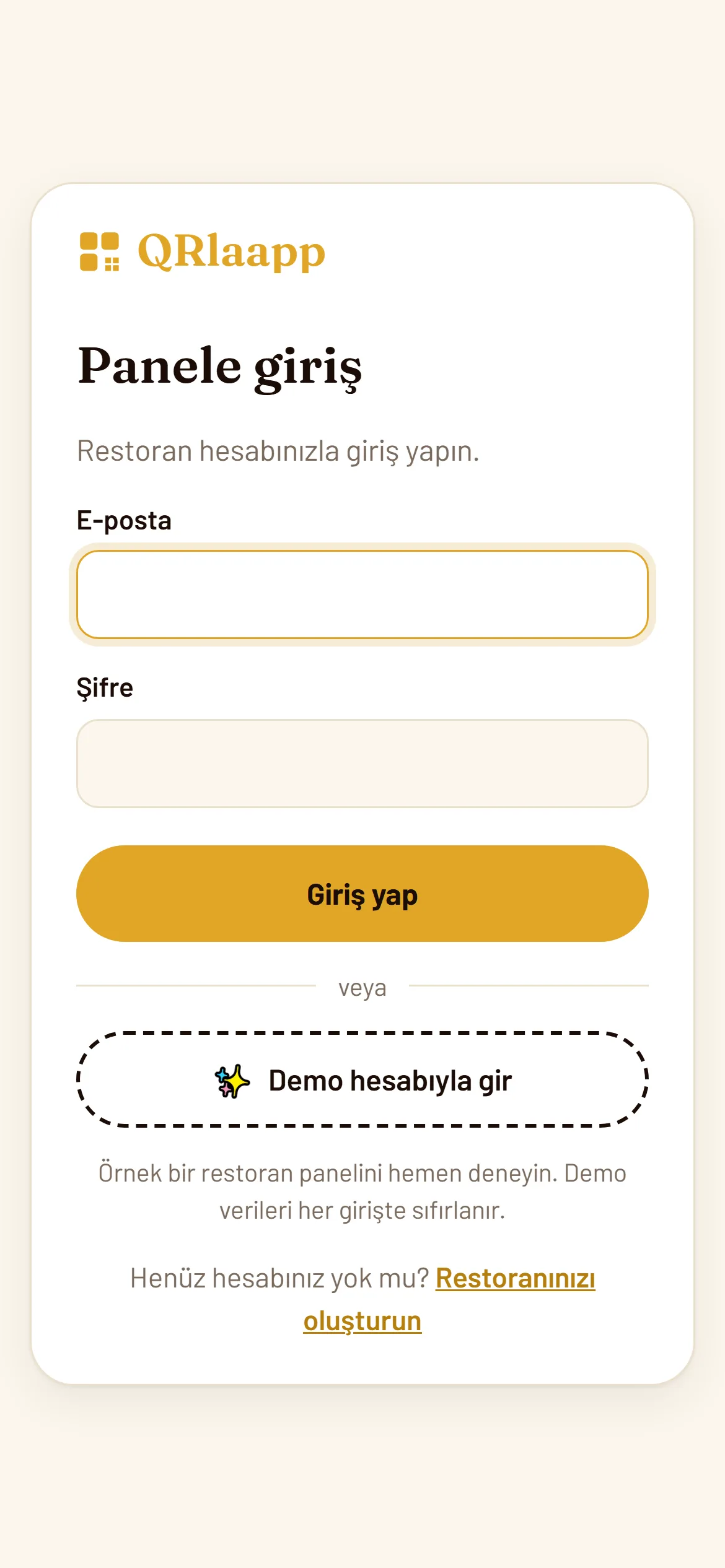
The moment a restaurant signs up, three things appear together: the menu site guests will see, the admin panel the owner will use, and a first QR code. The site takes on the restaurant's identity through its name, accent colour and cover photo, and ships with home, menu, about and contact pages including a map and directions. It starts with a sample menu, so the panel's first screen is a menu to edit rather than an empty page.
On the guest side there is no app to install and no sign-up: the camera reads the QR code and the menu opens in the browser. The menu offers category chips, search, a photo product window, ingredients and allergen information such as gluten, dairy and sesame. Sold-out items are marked and new ones highlighted; with per-table codes, the table number appears as a badge above the menu.
In the panel, menu management happens inline: type the price, press Enter, and the "visible" and "sold out" switches change the menu instantly. Categories can be reordered, and items take photos, tags and allergens; uploaded photos are resized automatically.
QR codes are created per table, terrace or campaign. The critical detail: a printed code's address never changes, while its destination is updated from the panel, so a changed campaign does not mean reprinting table cards. Each code can be downloaded as a print-ready A6 table card or as the QR image alone, and switched off temporarily with an "active" toggle.
The overview page summarises the day: items on the menu, sold-out count, scans over the last seven days and new messages. A daily scan chart and a most-scanned list show which table and which area draw attention. Reservation requests and questions from the site's contact form land in the panel's inbox.
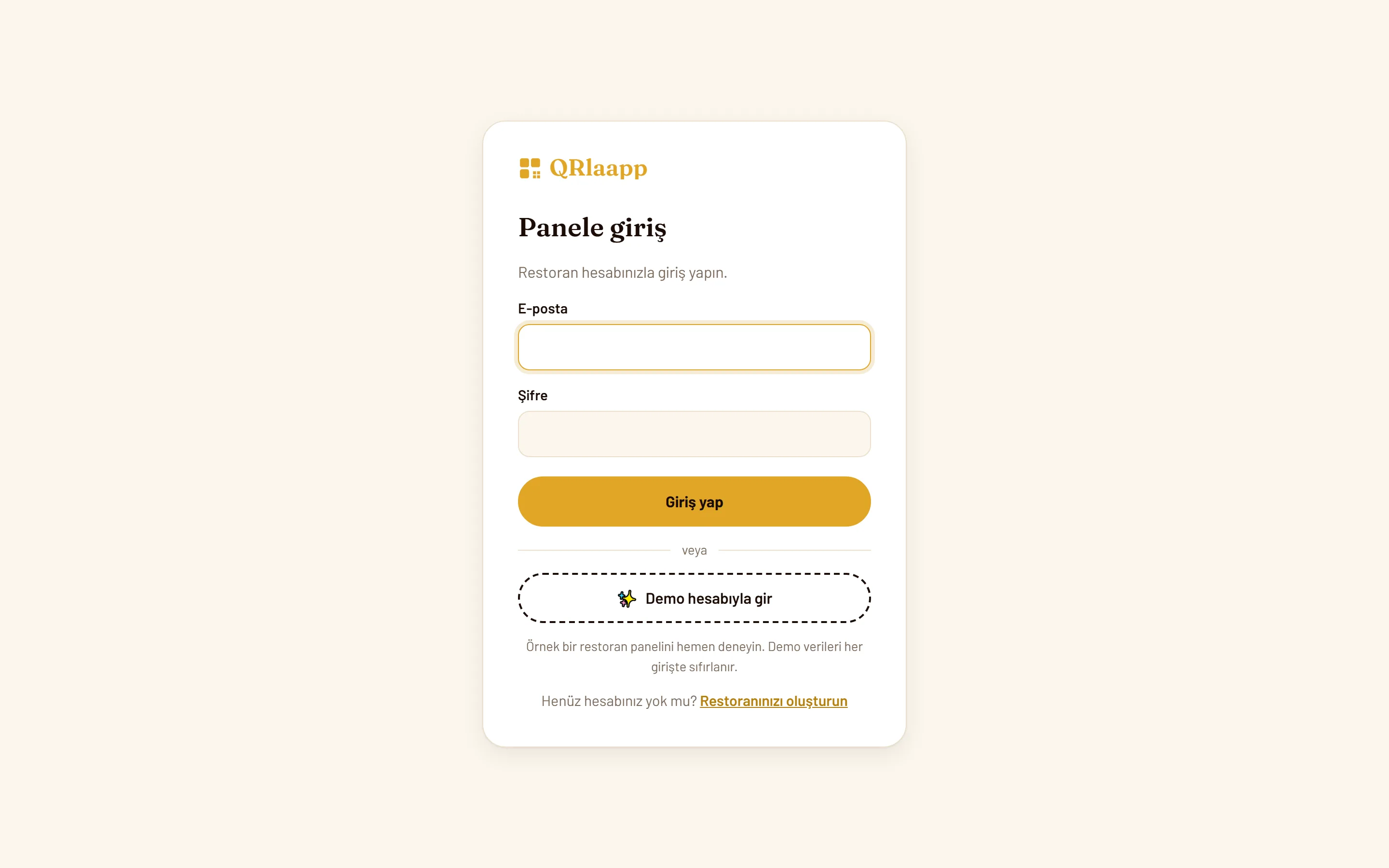
The product is open to trial before any decision: both the sample restaurant's guest menu and a password-free demo panel can be explored without signing up. Demo data resets on every login. The panel is mobile friendly and can be added to a phone's home screen like an app.
Highlights
- A menu site, admin panel and first QR code created the moment an account opens
- Separate QR codes per table, terrace and campaign, with a printed address that never changes
- Print-ready A6 table card download
- Inline price editing with "visible" and "sold out" switches
- A product window with photo, ingredients, allergens and tags
- A daily scan chart per code and a most-scanned list
- An in-panel inbox for messages from the contact form
- A live demo menu and a password-free demo panel, no sign-up
Objectives
- Remove the need to reprint the menu whenever a price changes
- Let a sold-out dish be closed in the menu rather than at the table
- Make interest per table and per area measurable
- Collect reservations and questions from scattered channels into one inbox
- Let a non-technical owner go live within minutes
Solution
- Site, panel and QR codes set up together in one account per restaurant
- Starting from a sample menu, so the first screen is editable rather than empty
- Separating a printed code's fixed address from its panel-editable destination
- Recording scans per code and turning them into a daily chart
- Automatic image resizing on upload
- A mobile-friendly panel that can be added to the home screen
- Demo data reset on every login
Approach
- 01Mapping a restaurateur's daily work: prices, stock, reservations
- 02Designing the menu site and the admin panel together
- 03Building QR generation, table card output and scan tracking
- 04Setting up the demo restaurant and demo panel
- 05Preparing the marketing site and a ten-page user guide
Outcomes
- Updating the menu now depends on one panel instead of a print run
- A sold-out item is closed in the menu before it reaches the table
- Interest per table and area is visible as a number for the first time
- Reservation requests gather in a single inbox
- Trying before deciding is possible through a sign-up-free demo
Challenges
- Keeping a printed QR code's address fixed while its destination stays editable
- Isolating each restaurant's data from the others
- Keeping menu editing on a single screen for non-technical users
- Making the menu open fast at the table even on a weak connection
Selected Work
Screenshots
Selected Work
Similar projects
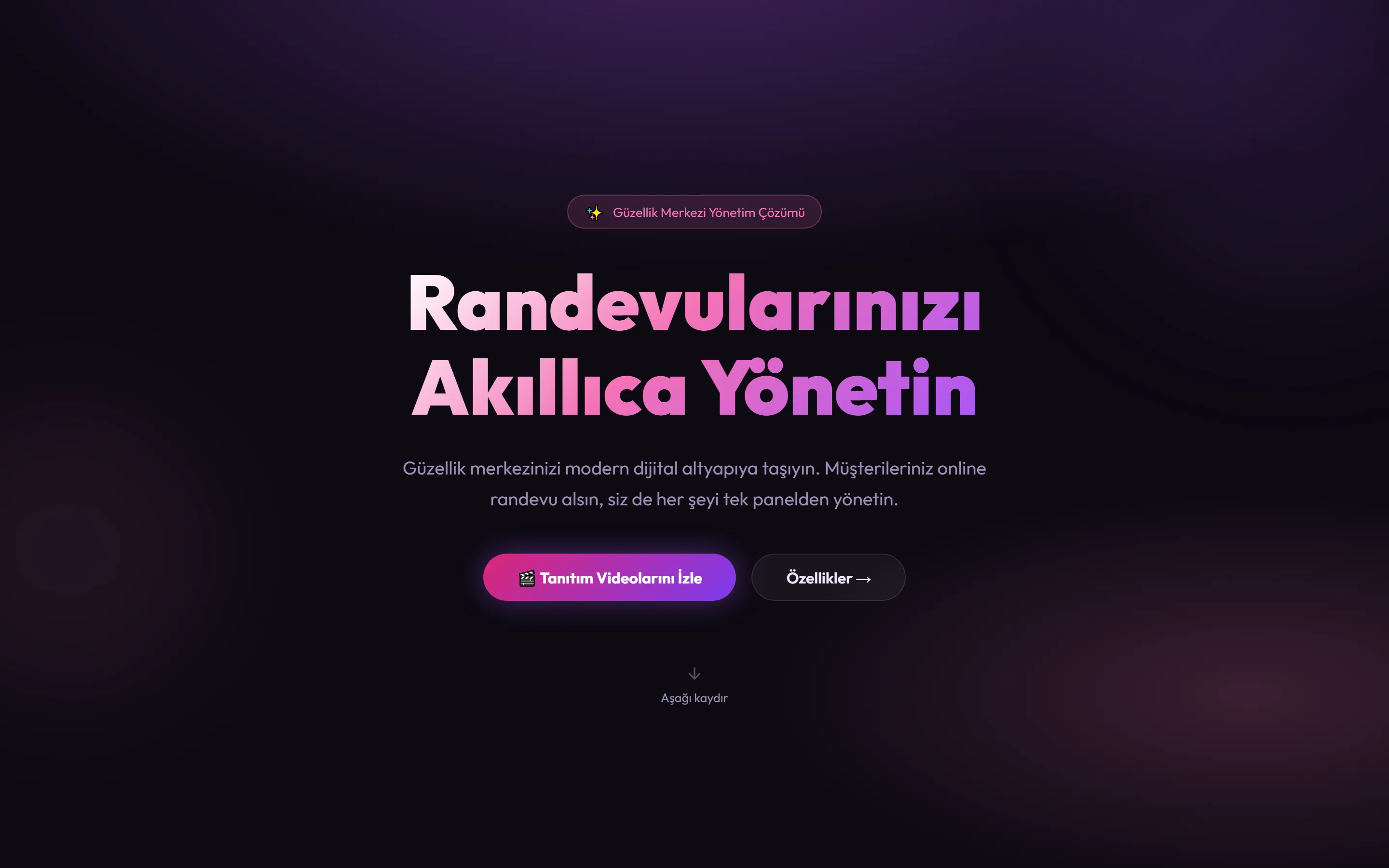
Beauty Salon Appointment System
A system that brings appointments, staff and client records for beauty salons into one panel. Clients book online around the clock while the business manages everything from a single screen.
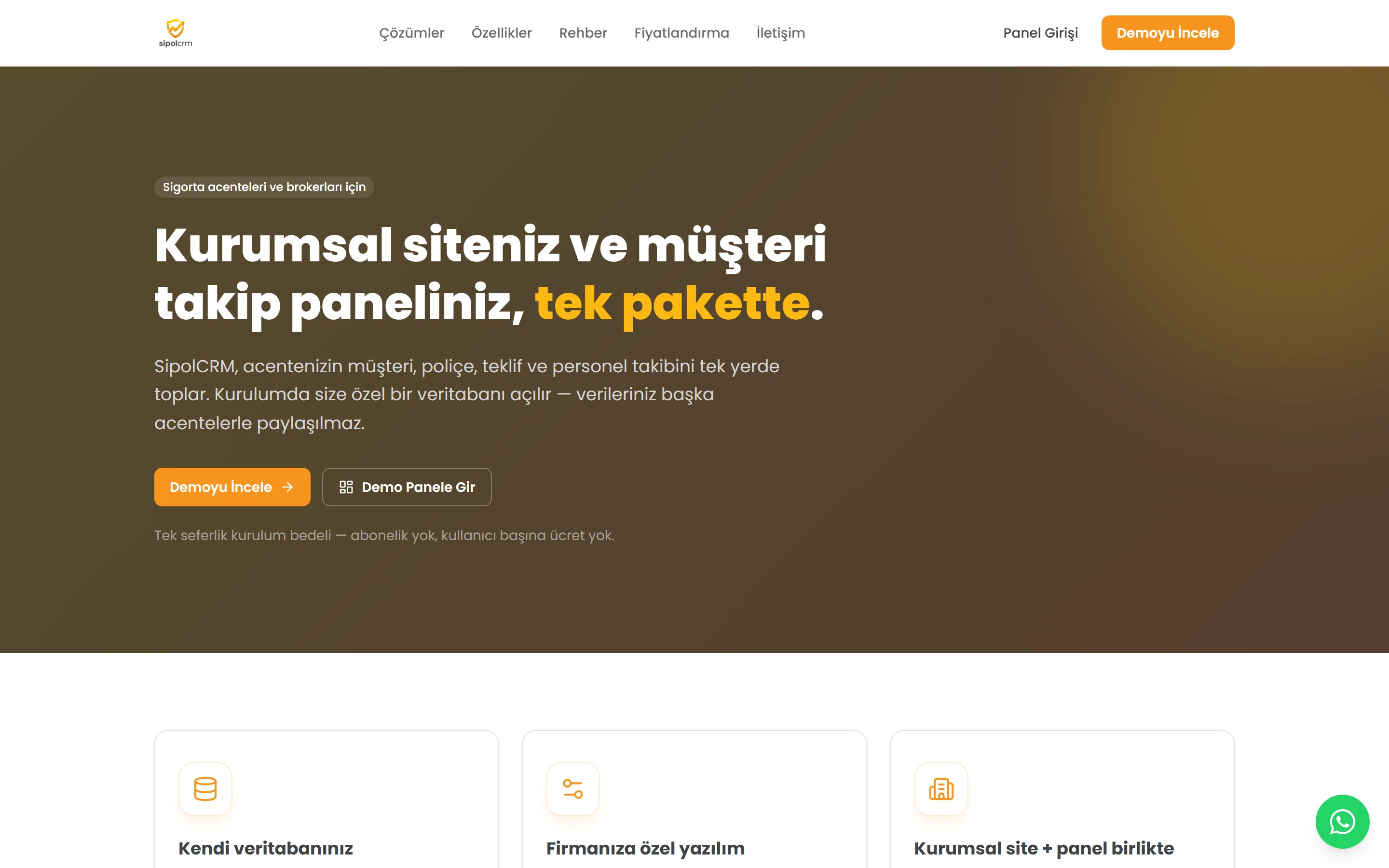
SipolCRM — Insurance Agency CRM
A CRM that brings client, policy, quote and staff tracking for insurance agencies into one package. Each agency gets its own isolated database, with no subscription or per-user fee.
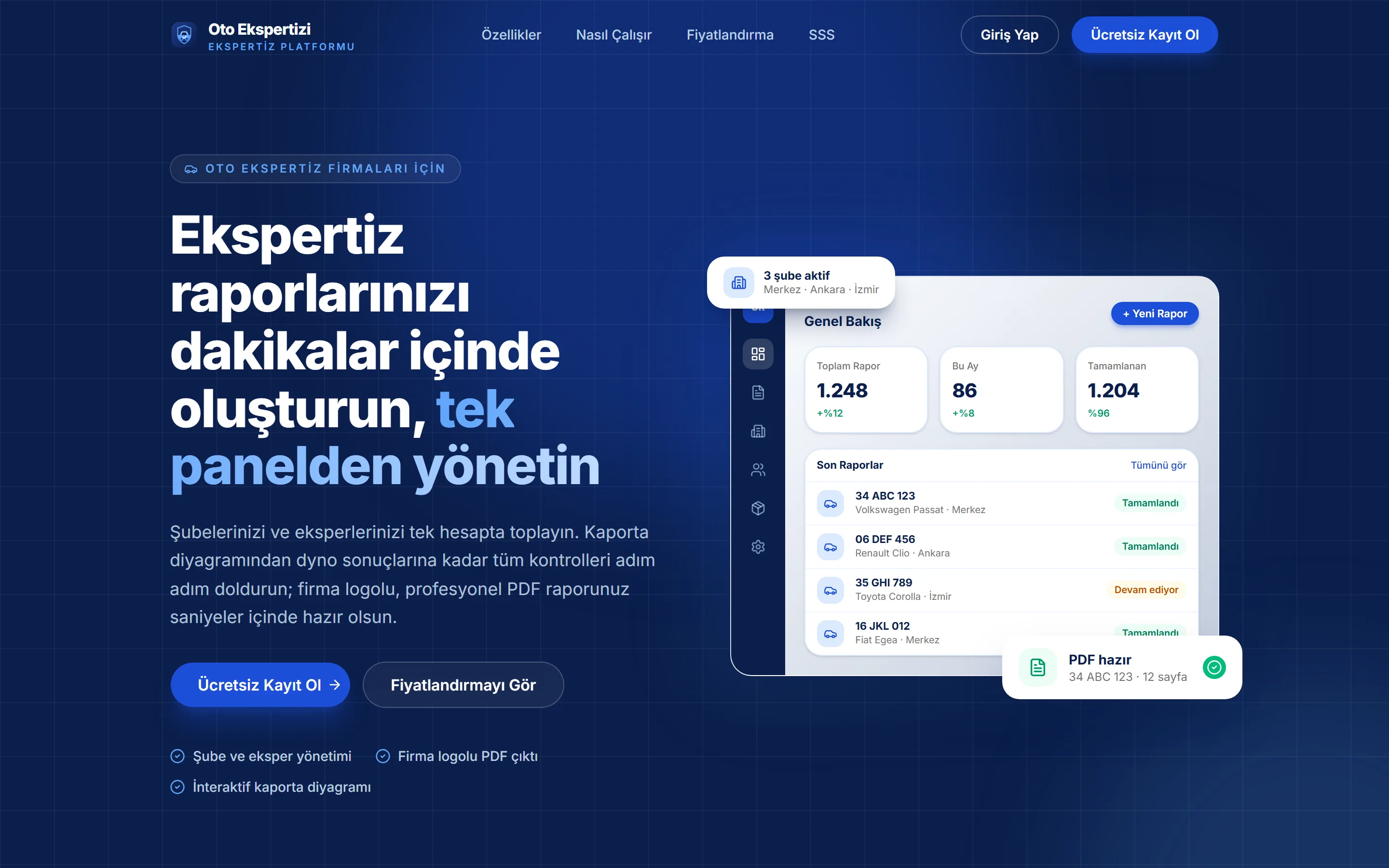
Oto Ekspertizi — Inspection Report Platform
A cloud SaaS that brings an inspection company's branches and inspectors into one account and produces branded PDF reports through a seven-section wizard. Monthly per-branch pricing, or an annual plan on the company's own domain.